
Pi Coding Agent Extensions|
Pi Coding Agent Extensions
Enhancing the terminal developer experience. Custom modules and interface utilities designed to make the Pi agent ecosystem more visible, persistent, and efficient.
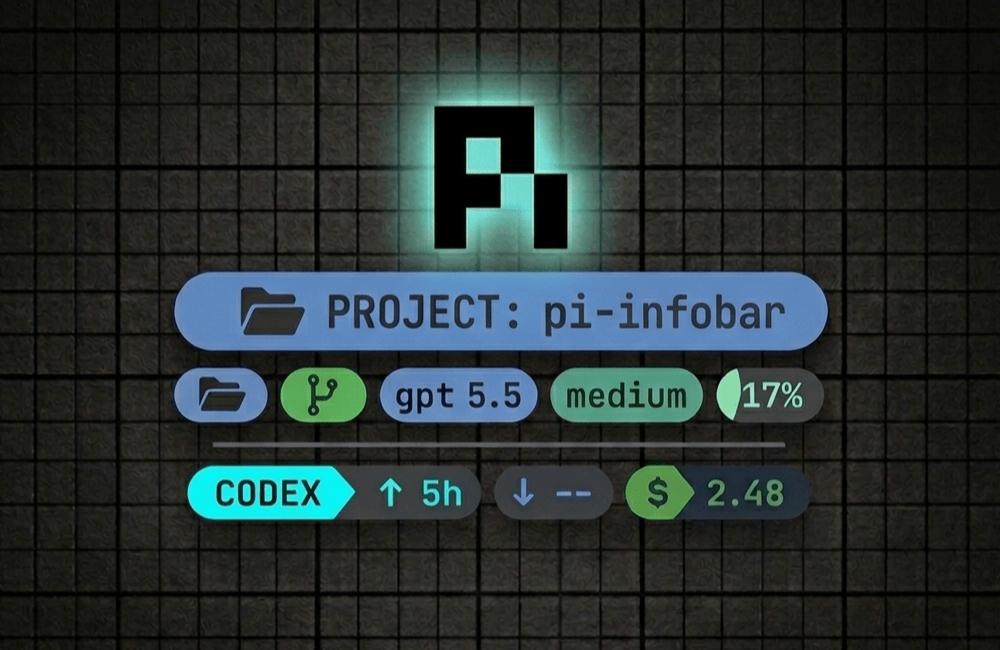
Starship-inspired status line showing git info, model states, and real-time session cost metrics.
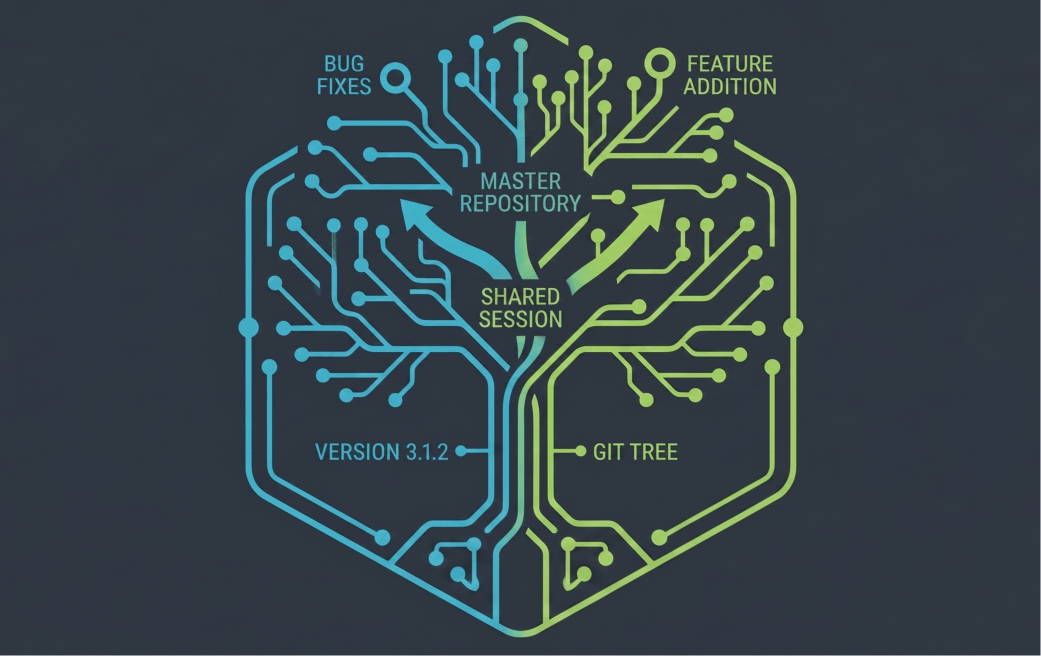
Context sharing across git worktrees to keep AI conversations synced during branch switches.
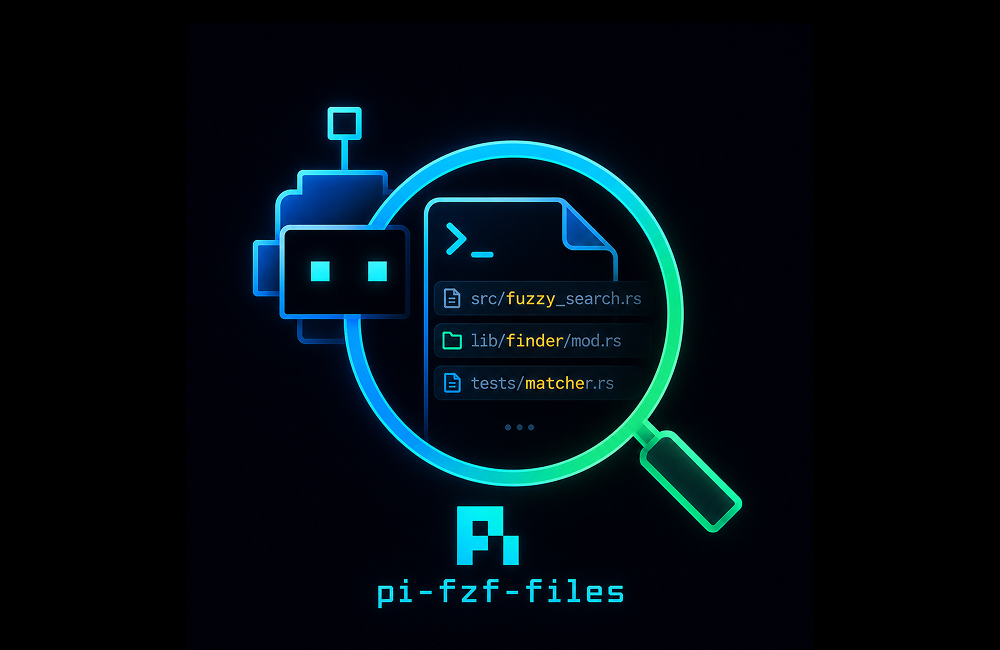
Preindexed, dependency-free, pure TS fzf-style syntax @ file search.
pi-infobar
This extension replaces Pi's default footer with a cleaner, information-dense layout. It prioritizes active context, model states, and cost metrics over low-value status labels like "idle" or "ready."
Installation
Install the extension permanently inside your Pi environment:
Or test it immediately in your current terminal session without installing:
Interactive Layout Breakdown
Line 1 — Navigation + Model State
- Current Directory: Styled as the primary segment, showing your active workspace path.
- Git Worktree: Appends a green worktree tag showing the worktree root name if the current directory is a linked git worktree.
- Git Status: Inline git branch name coupled with real-time status glyphs (
~modified,✘untracked,+staged,-deleted,⇡/⇣branch sync). - Model & Context: Displays the active model in light blue, thinking/effort levels in custom colors, and context window utilization percentage (transitions from green to yellow, orange, and red beyond 60%).
Line 2 — Usage + Session Cost
- Subscription Usage: Tracks your active Codex subscription quotas and limits.
- Token Metrics: Displays token transfer details (
↑sent,↓received) alongside estimated session cost (prefixed with a dark green$).
Extension Commands
| Command | Description |
|---|---|
/pi-infobar | Toggle the info bar footer visibility |
/pi-infobar on | off | Force enable or disable the info bar |
/pi-infobar toggle | Toggle the status line |
/codex-status | Output current Codex usage and rate-limit windows |
/codex-status --refresh | Force refresh usage stats from Codex APIs |
/codex-status --no-statusline | Print usage report without updating footer status |
/codex-status --clear-statusline | Remove Codex stats from the status line |
worktree-sessions
In standard environments, active AI developer sessions are confined to a single directory. worktree-sessions shares active AI agent sessions across different git worktrees of the same project, allowing you to switch branches/worktrees without losing context or interrupting your agent's history.
Architecture
The project is structured with clean separation of concerns, separating shared filesystem linking logic from specific runtime environments:
Shared Core
src/worktree-sessions.ts holds the reusable core logic for resolving git parent repositories and linking session caches.
Pi Adapter
pi/index.ts wires the shared module into Pi lifecycle hooks and exposes the /worktree-sessions command.
Build & Distribution
The package builds the TypeScript source using modern compilation pipelines, publishing minified JavaScript alongside corresponding .d.ts declarations from the dist/ directory.
Command Interface
Toggle or query active session roots directly from the chat prompt:
pi-fzf-files
@ autocomplete.pi-fzf-files is a pure TypeScript replacement for Pi's default @ file-reference autocomplete. It builds an in-memory project file index on session start, refreshes asynchronously while you search, and returns responsive fzf-style matches without requiring fzf, fd, SQLite, or other runtime dependencies.
Installation
Install the extension from npm and Pi will load the package manifest automatically:
Search Behavior
- Cached Index: Searches an in-memory file list instead of walking the filesystem on every keystroke.
- Background Reindexing: Rebuilds into a temporary index and swaps atomically, preserving existing suggestions while fresh results load.
- Smart Ignores: Skips heavy directories such as
.git,node_modules,dist,build,.next,coverage, andtarget. - Extended Syntax: Supports fuzzy terms, exact quoted matches, prefix/suffix anchors, inverse matches, OR groups, and smart-case queries.
@ file picker powered by cached fzf-style matching.Command Interface
Inspect, refresh, or reset the file index directly from Pi: